Engineering project platform
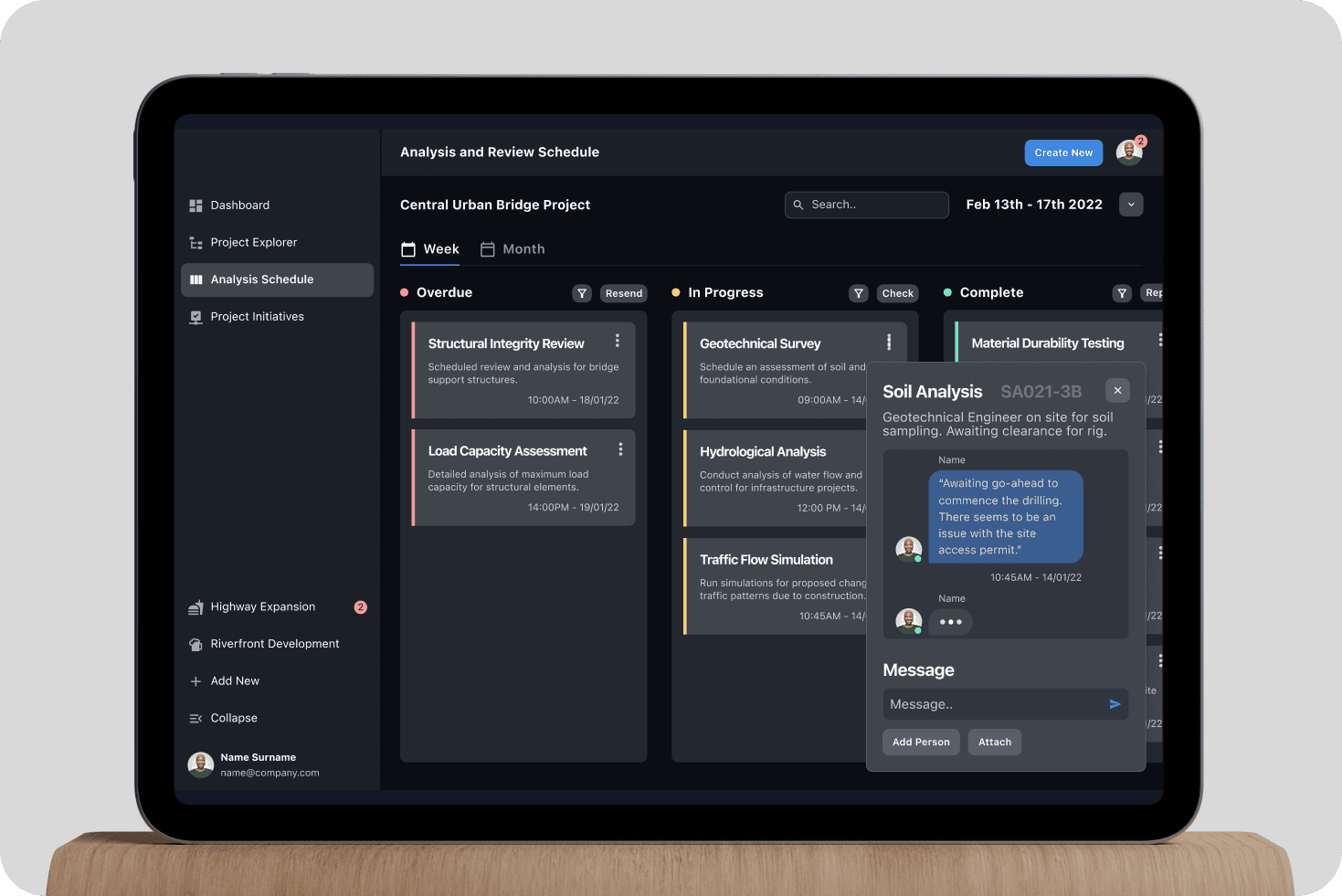
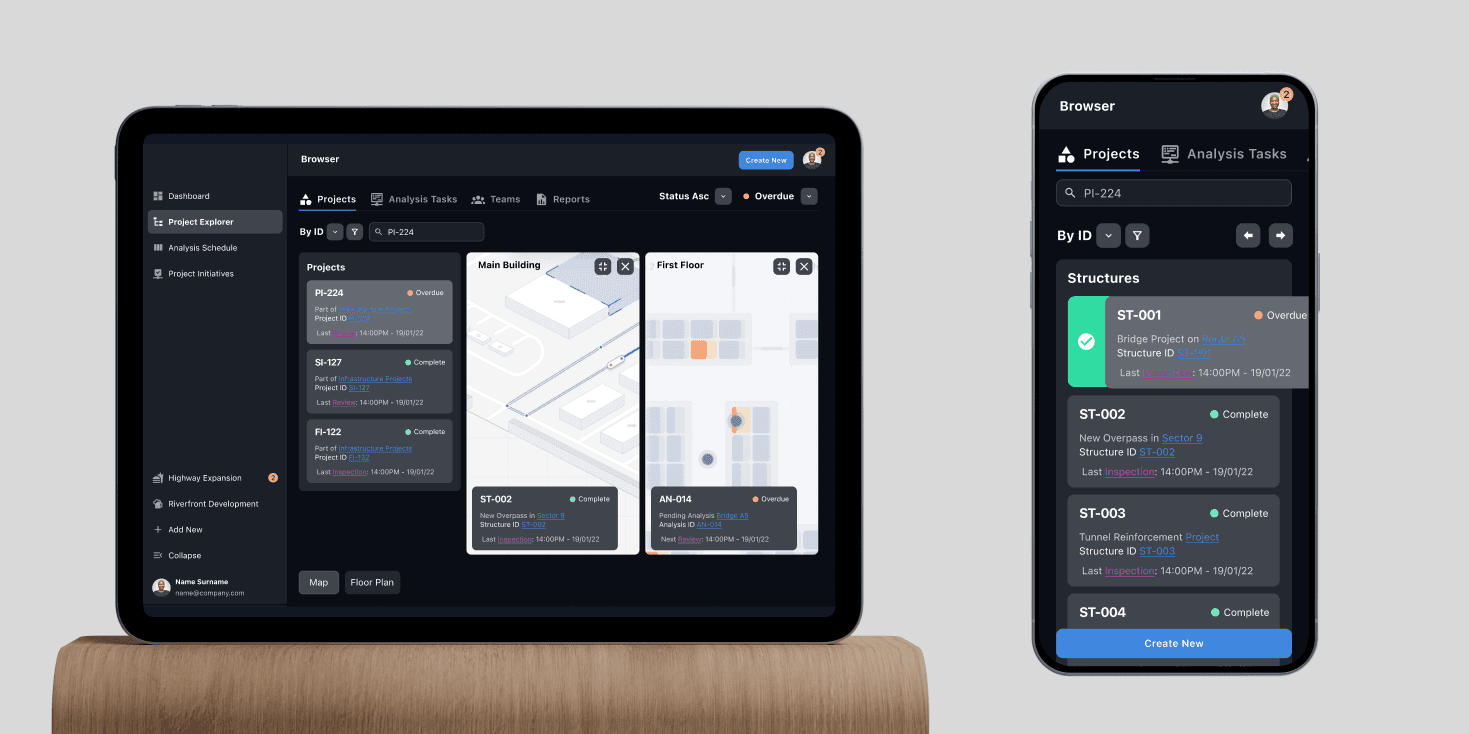
A civil engineering firm running many projects at once needed one place for sites, schedules and structural analysis. As Product Designer I designed the platform its site engineers and office teams now use, on phones in the field and desktops in the office.
The situation
Four roles, one project
Engineers and ground staff work on site, often with a weak signal. Coordinators and quality staff work from the office. Every project needed all four, so the brief was one platform for sites, schedules and structural analysis that worked in both places.
Runs structural assessments on site and oversees construction.
Coordinates engineering teams and resources across projects.
Checks projects against quality standards and runs site audits.
Collects data on site and supports the engineers.
Decision
One project, a view for each role
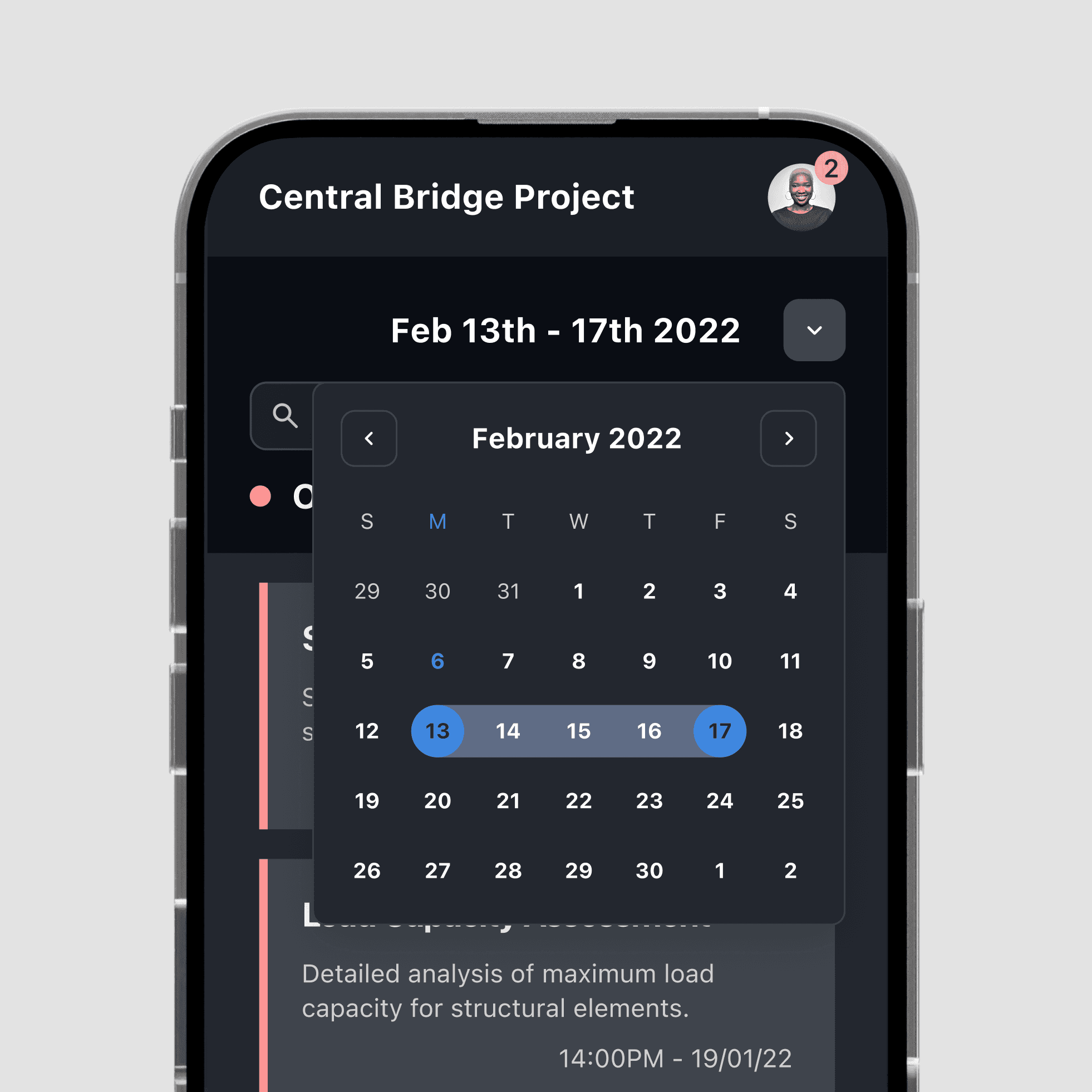
Access levels decide what each person sees and can change. Ground staff get a phone app that works offline, with the tasks, schedule and messages for their site.
The office sees schedules, documents and every project at once. What gets logged on site reaches the office without anyone typing it in again.

In the office
Every project, from the desk
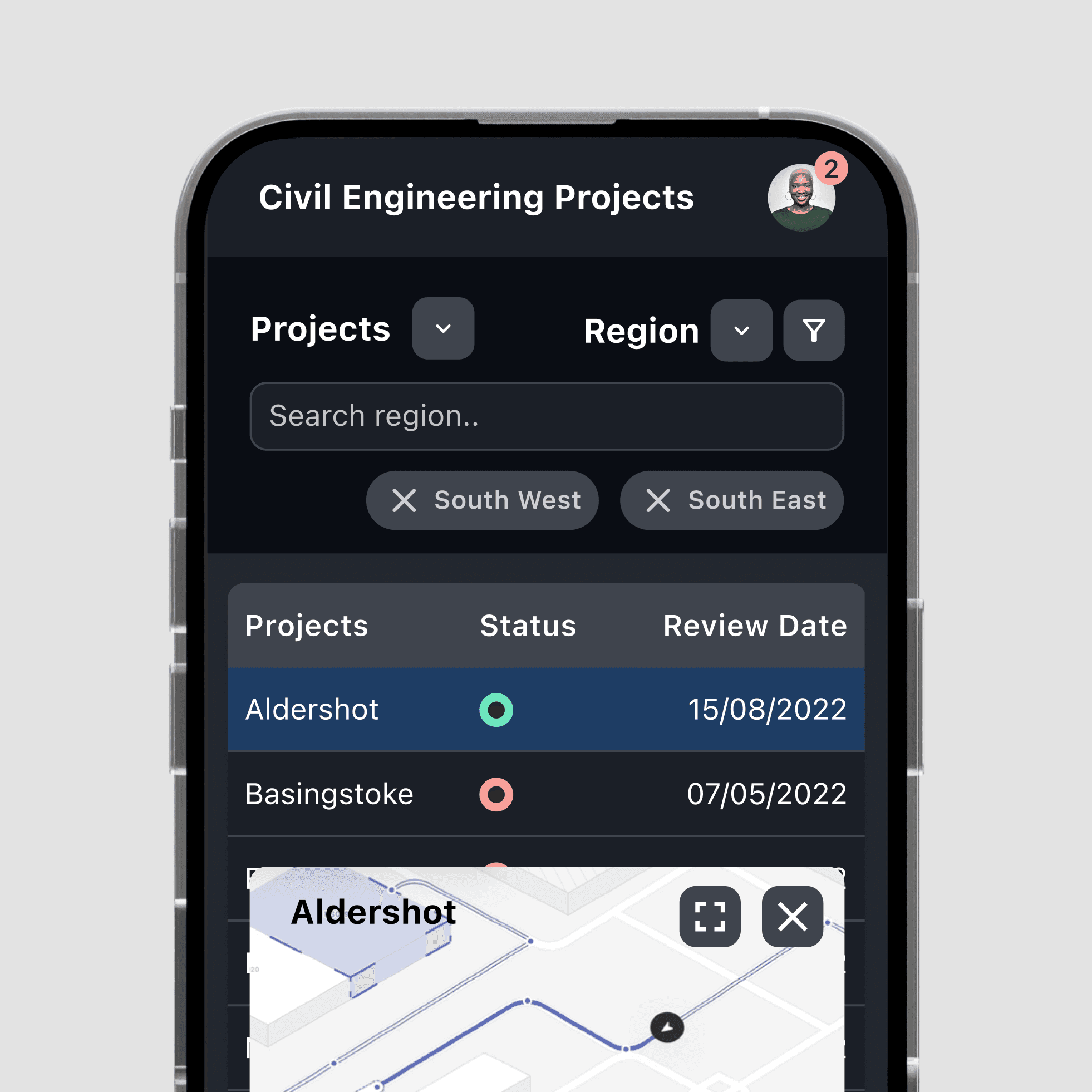
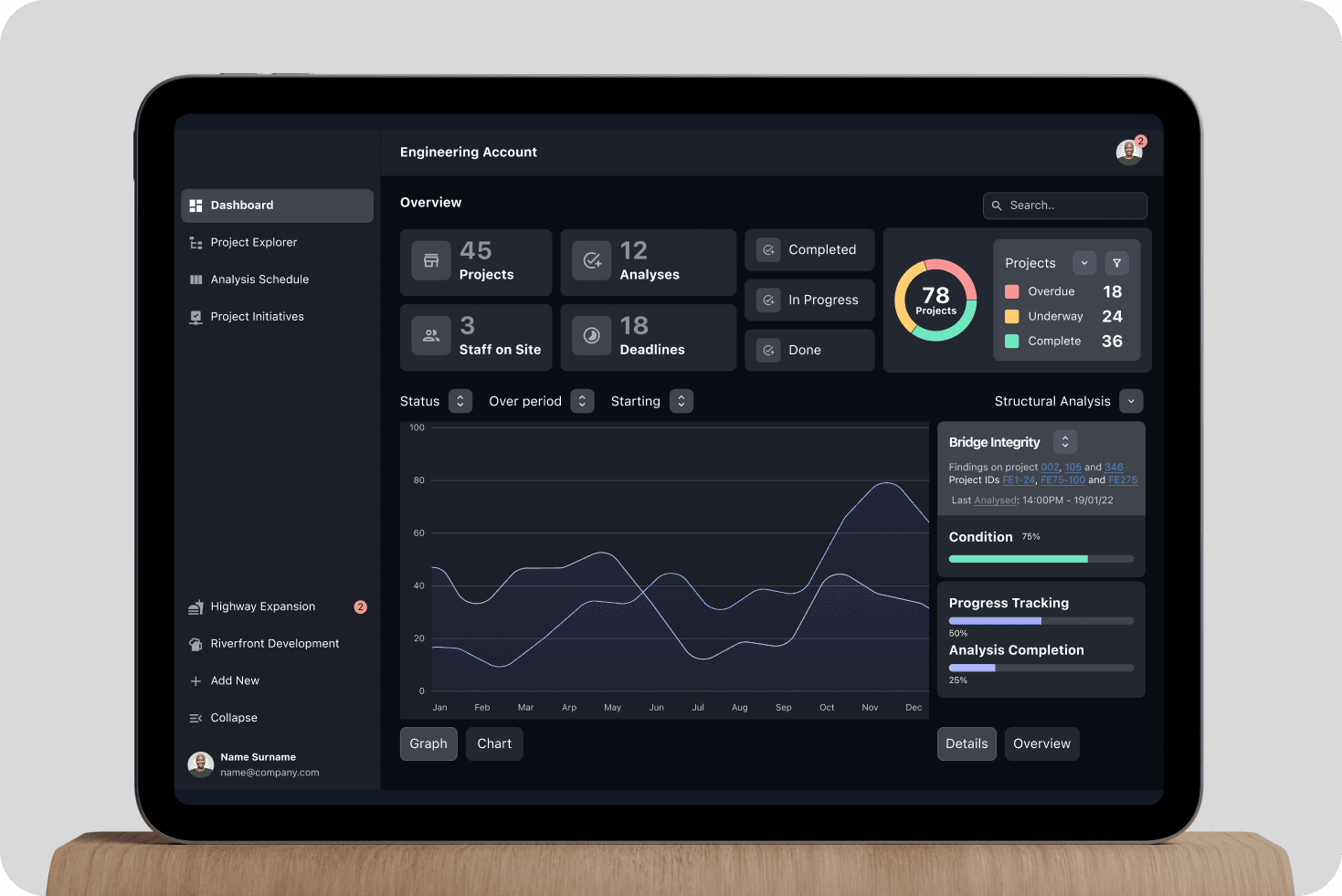
On a desktop, coordinators and quality staff get an overview of every project: counts, deadlines and progress, with a chart of work over time.
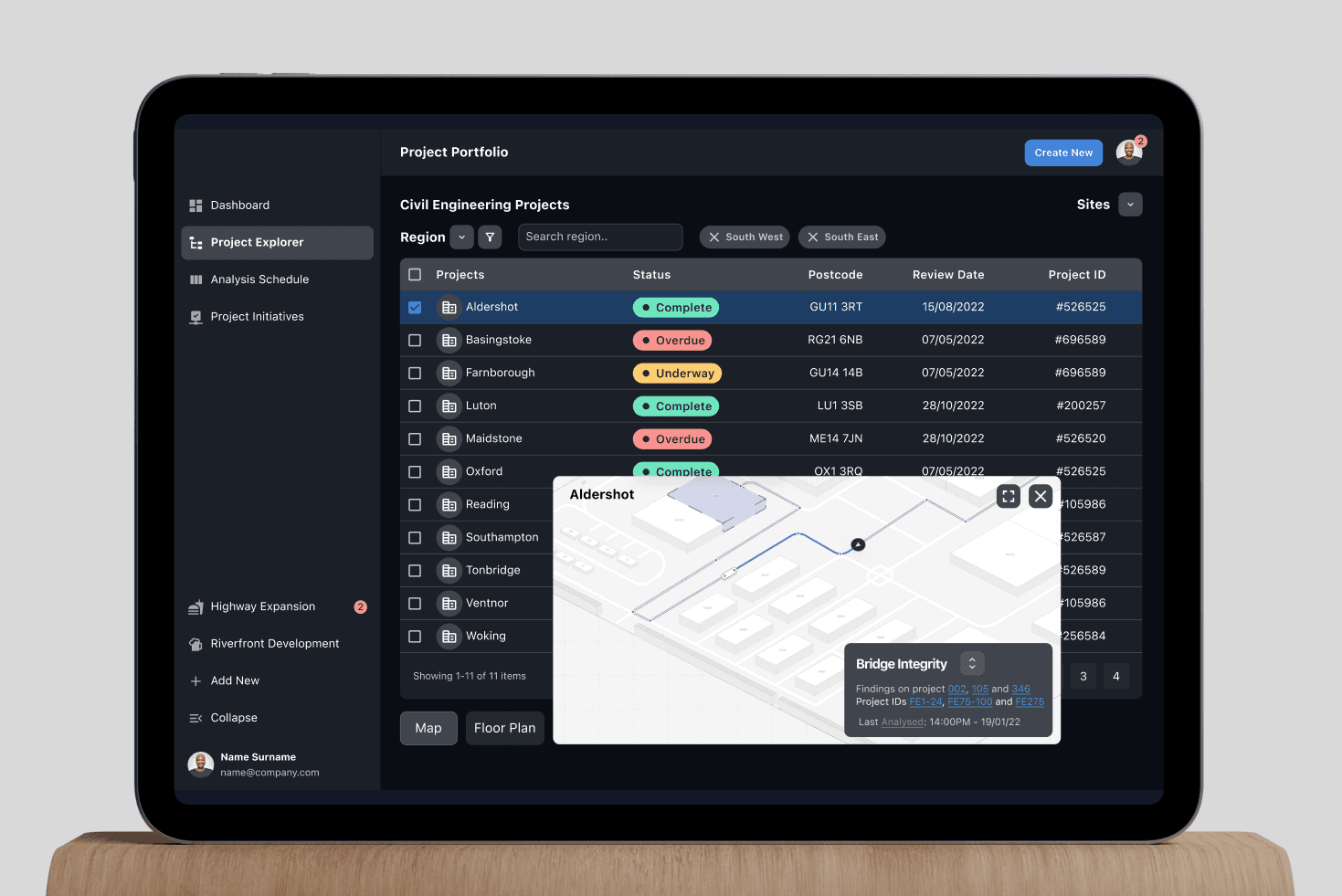
The project list opens onto a site map, so the office can see where each job is.
Flows
Mapped role by role
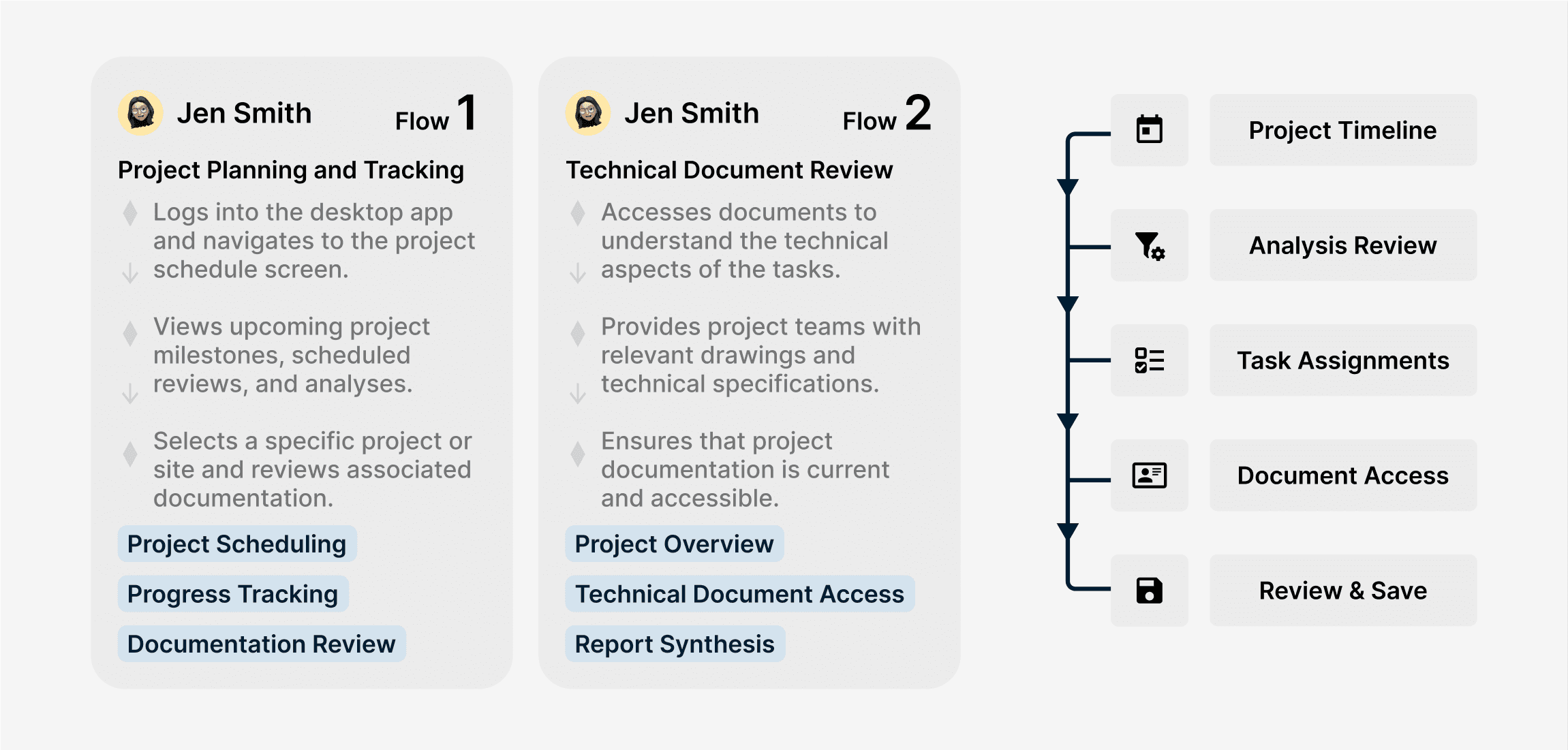
Before any screens, I mapped each role's tasks as user flows: project planning and document review for the coordinator, task management and specification lookups for the site.
Each step in a flow points to the screen it needs, such as the project timeline, task assignments or document access.

Where it is now
Built and in use
The platform is built, and the firm's site engineers and office teams use it, on phones in the field and desktops in the office.